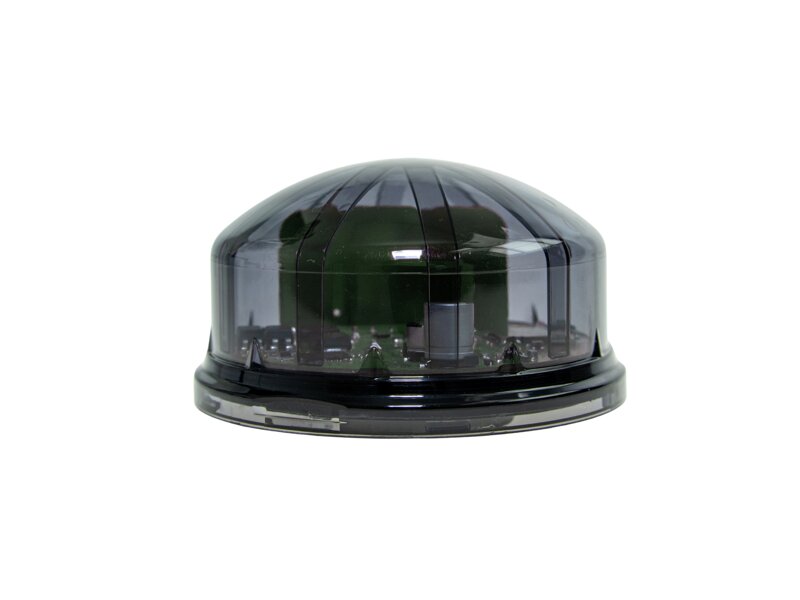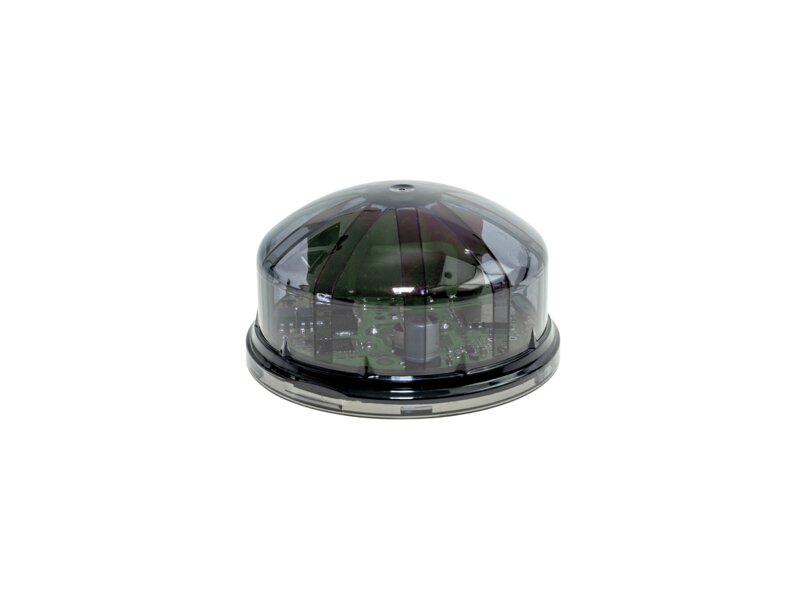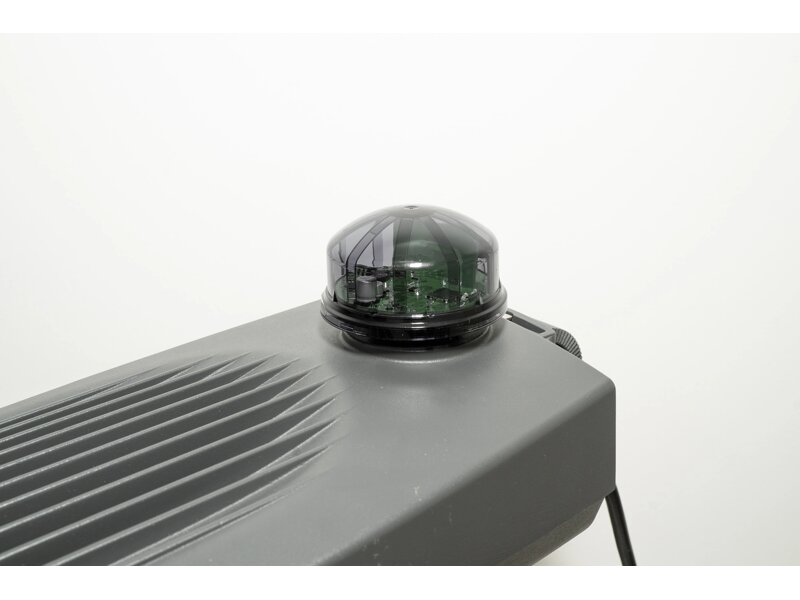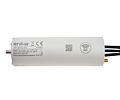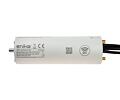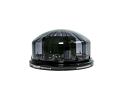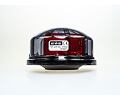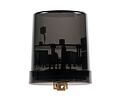
Receiver with DALI output for wireless control of outdoor lighting points. Zhaga connector, NFC configuration, full LoRaWAN EU868 support.
LoRaWAN EU868DALIZHAGAIP65NFC configuration
IP65
Protection
EU868
Frequency
24 VDC
Power supply
-20/+70°C
Oper. temp.
Zhaga
Connector
1
Channels
use cases
Suitable Applications
Thanks to the standard LoRaWAN protocol and direct Zhaga connector, it fits seamlessly into modern infrastructure. Management options depend on the features of the customer application used.
🏙️
Cities and municipalities
Direct installation on luminaires with standard Zhaga connector. Remote dimming, time schedules and operating hour monitoring without additional accessories.
🅿️
Commercial premises and car parks
Lighting of car parks, industrial premises and campuses with adaptive control based on time of day and occupancy. Energy and operating cost savings through remote monitoring.
💡
DALI luminaires
The receiver is designed to control individual outdoor lighting points. Control (communication) takes place wirelessly via LoRaWAN protocol in the EU868 frequency band. The receiver outputs control commands for the DALI bus. The receiver does not supply power to the DALI bus.
🌐
Integration into existing networks
Full compatibility with the open LoRaWAN standard — works with your own gateway or a public network. Easy connection to an existing control system or IoT platform.
⏱️
Monitoring and diagnostics
The receiver regularly reports temperature, device and light source operating hours, and fault states. Measurement accuracy (W, Wh) depends on the luminaire DALI driver specification.
🔄
Autonomous fallback mode
If the connection is lost, the receiver automatically switches to autonomous mode and controls the luminaire according to the last received time schedule — without interruption.
Works in your network — no vendor software required
The L8 R DLA Z is designed as a fully standalone LoRaWAN element. All you need is signal coverage — your own gateway or a public network. Easy integration into your control software.
The receiver supports both standard LoRaWAN authentication methods – ABP (Activation By Personalization) and OTAA (Over-The-Air Activation).
LoRaWAN
🚀Up and running in 3 steps
01
Purchase and install
The L8 R DLA Z plugs directly into the Zhaga socket of the luminaire. No screwing, no cabling. Mechanical and electrical installation in one step.
02
Configure via NFC
Download the Poseidon NFC app. Hold your phone to the device and configure the output and LoRaWAN parameters.
03
Integrate into the network
Collect identification data with the app and upload to your server in bulk. Done.
control output
DALI Bus
The L8 R DLA Z is a specialised receiver with DALI output.
DALI bus — digital lighting control
The receiver issues control commands to the luminaire DALI bus. It enables digital dimming, status queries and collection of diagnostic data directly from the driver (W, Wh, operating hours, faults). The receiver does not supply power to the DALI bus.
Digital protocolEnergy measurementFault diagnosticsOperating hours
mechanical integration
Zhaga Connector — Plug & Play Installation
🔌
Zhaga Book 18 (D4i)
Zhaga is an international standard for smart luminaire connectors. The L8 R DLA Z receiver simply plugs into the luminaire socket — providing both mechanical retention and electrical connection of the DALI bus. This receiver is intended for luminaires with a Zhaga connector (variant "Z"). For luminaires with a NEMA connector, use the L8 R DALI NEMA.
NFC configuration — free app to download
All receiver settings can be configured by holding an Android phone to the device. No tools, no PC.
We use cookies for the proper functioning of this e-commerce shop, to adapt the site content to your needs, for statistical and marketing purposes and to personalize advertisements from Google and other companies. By clicking "Accept All", you consent to their collection and processing, and we will provide you with the best shopping experience.
Your cookies settings
Here you can enable cookies according to your own preferences.You can change those settings any time in the future by clicking 'Cookie settings' link in our website's footer.
Necessary cookies help make a website usable by enabling basic functions like page navigation and access to secure areas of the website. The website cannot function properly without these cookies.
Preference cookies enable a website to remember information that changes the way the website behaves or looks, like your preferred language or the region that you are in.
Statistic cookies help website owners to understand how visitors interact with websites by collecting and reporting information anonymously.
These cookies are used by advertising and social networks, including Google, to transmit personal data and personalise ads to make them interesting to you.